Move your podcasts to June
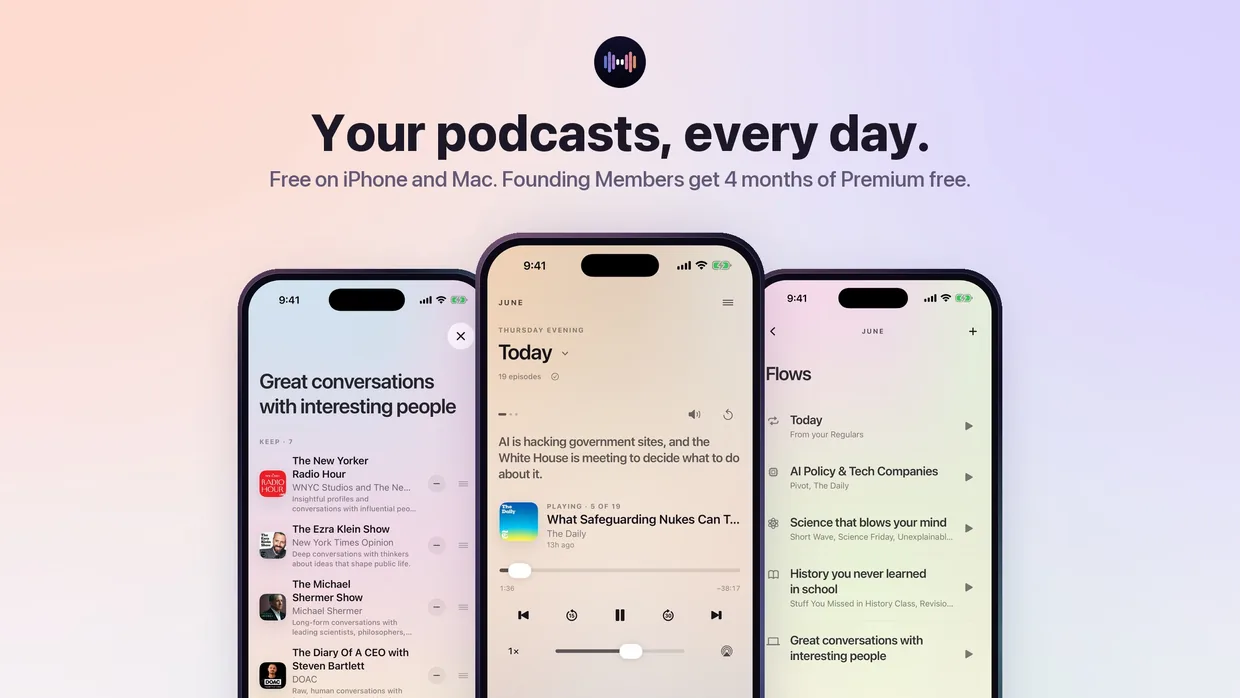
Bring the shows you already follow, and June lines up today’s episodes from them every morning. No inbox comes with them.
Last updated October 26, 2026


From Apple Podcasts
Apple Podcasts has no export button, so June offers a Shortcut called Apple Podcasts to June. Add it once when June offers it; it reads the shows in your Apple Podcasts library on your iPhone, saves them as an OPML file and opens that file in June. If the Shortcut was never added or was deleted, June offers it again.
From Overcast, Pocket Casts, Castro and other apps
Most podcast apps can export your subscriptions as an OPML file, the standard format for a podcast library. Look for “Export OPML” or “Export podcasts” in the app’s settings, then choose Open in June from the share sheet, or open the saved file from the Files app.
From Spotify, or with no export at all
Just tell June. Tap JUNE at the top of the screen and say something like “add The Daily, Hard Fork and Acquired.” June finds each show and adds it, and asks when a name could mean more than one show.
What happens after the import
June shows every show from your library. The ones June carries light up, and the rest are set aside. June then groups them into suggested Flows, one stack of shows per Flow. Save a Flow to keep it, or skip it.
June focuses on popular English-language talk shows from the Apple Podcasts charts, so a niche show may not be available yet. If one you care about is missing, tell us.
Do I have to stop using my old app?
No. Importing copies the list of shows and doesn’t change anything in your other app.
Free on iPhone and Mac
Join now as a Founding Member: 4 months of Premium free, with Auto-skip ads and up to 6 Flows.